Search surface
OSINT and reputation services by IOC type with API control.
Minimal UI, maximum evidence.
OSINT and reputation services by IOC type with API control.
Case vault with timeline, MITRE/CVE and export.
Optional LLM with controlled prompts and auditable output.
Internal performance and adoption metrics.
Operational summary for analysts.
Malicious activity concentrated on phishing and infrastructure abuse. Prioritize newly registered domains.
KAIROS reduces manual pivots and centralizes evidence, shortening response time.
Focus on shared infrastructure and publish indicators internally.
Consistent, auditable intelligence flow.
Collect indicators from pages and PDFs without leaving the browser.
Query trusted services by type with API key control.
Diamond Model + MITRE with optional AI support.
Export JSON/CSV/MISP for evidence sharing.
Examples for intelligence and response teams.
Rapid domain clustering, case grouping, and MISP export for containment.
IOC normalization, MITRE mapping and diamond model for executive briefing.
Extract and enrich from logs, deliver to MISP and CSV for coordination.
Traditional flow vs KAIROS flow.
Deploy KAIROS in minutes and standardize your investigation workflow.
Real extension views for analysts, reviewers and store listings.
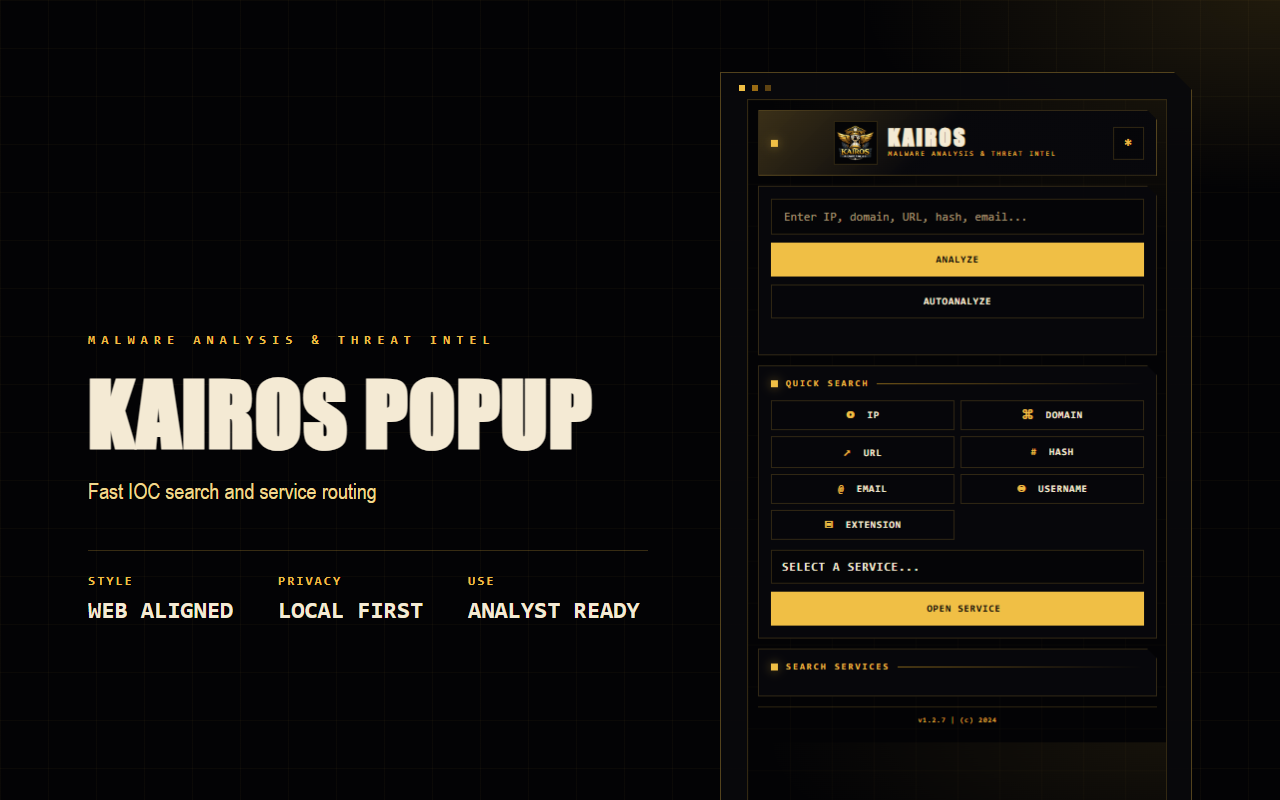
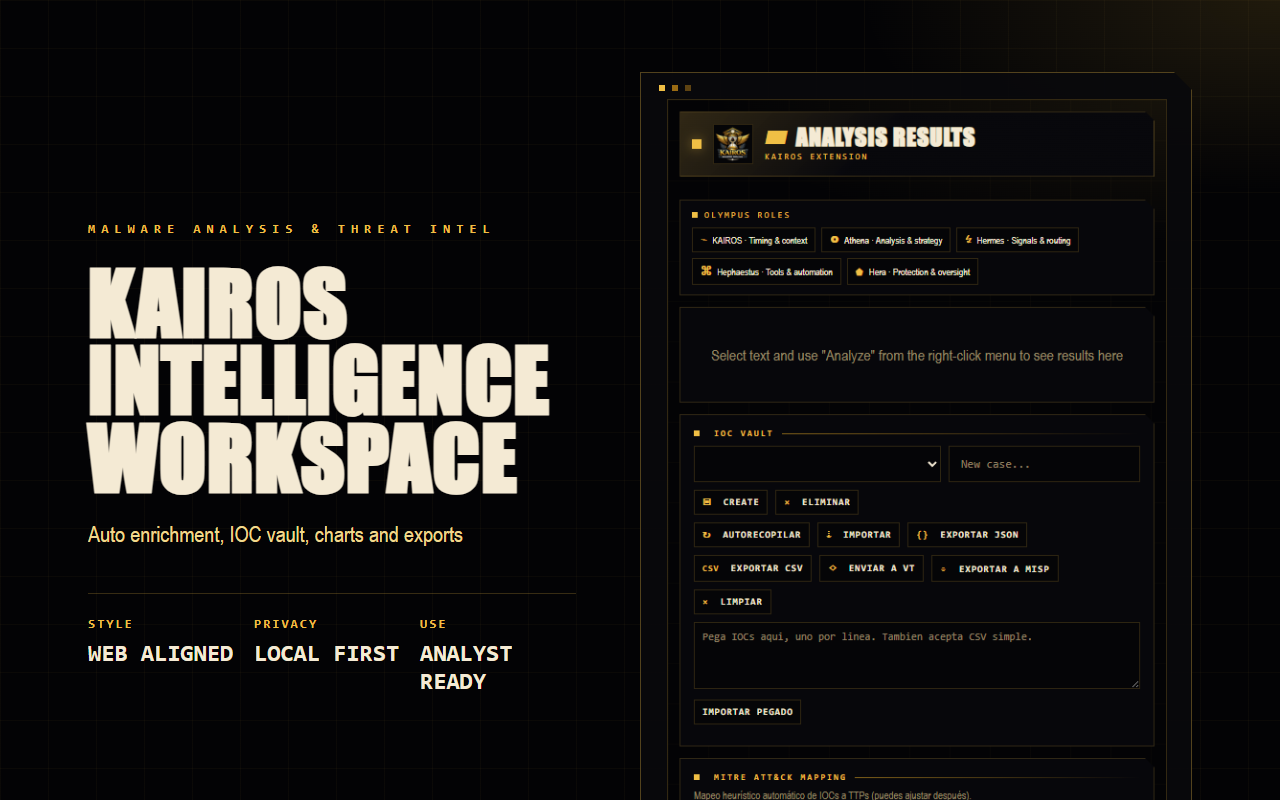
Purpose, data handling and permission rationale for reviewers and security teams.
KAIROS helps cybersecurity analysts extract, organize, enrich and export indicators of compromise from pages, PDFs, selected text or manual input during threat intelligence and incident response work.
No remote JavaScript or WebAssembly is loaded. Executable code is packaged with the extension.
API keys, preferences, cases and IOCs are stored in the user's browser storage.
Clear disclosure for users, reviewers and internal security review.
Authentication data entered by the user, active page context, selected text, URLs, PDF text, links, IOCs, cases and local preferences.
KAIROS does not sell user data and does not use user data for credit, advertising or unrelated purposes.
Users can clear keys, cases and IOCs from the extension or from Chrome storage settings.
Use this page as the privacy-policy URL after deploying the web folder to your hosting.
Configure API keys and manage your threat intelligence sources
Deploy KAIROS in Chrome.
Download the package and load it in developer mode.
Download buildAPI key required (disable "Require API key" if you do not use token)Note: Review these URLs for more context and validation of the IOCs.